Introduction to the Central Processing Unit
The Brain of the Computer
1 Purpose
This document provides a high-level introduction to the Central Processing Unit (CPU), the “brain” of the computer. It surveys the fundamental purpose of the CPU, its core operational principle, and the key components that allow it to function, setting the stage for more detailed explorations of its architecture and the broader memory system.
2 What You’ll Learn
By the end of this reading, you will be able to:
- State the primary purpose of a CPU.
- List the three main internal components of a CPU.
- Describe the four basic steps of the fetch-execute cycle.
- Explain the concept of a CPU core.
This reading maps to the following program and course learning outcomes:
- Program Learning Outcomes (PLOs):
- 3. Apply terminology and numeric or system concepts: This document introduces the most fundamental terminology of computing, including CPU, core, ALU, and the instruction cycle.
- Course Learning Outcomes (CLOs):
- 1. Identify hardware and basic network components: This reading is focused on identifying the CPU, the most central and critical piece of computer hardware.
This exercise will help you develop the following skills and knowledge, which align with the O*NET SOC Code 15-1232.00 for Computer User Support Specialists.
| Learning Objective | O*NET KSAs | Technologies Used |
|---|---|---|
| Describe the purpose and function of a CPU. | Knowledge: Computers & Electronics Skills: Reading Comprehension |
N/A (Conceptual) |
| Describe the four basic steps of the fetch-execute cycle. | Knowledge: Computers & Electronics Skills: Reading Comprehension Abilities: Information Ordering |
N/A (Conceptual) |
3 A Survey of the Modern CPU
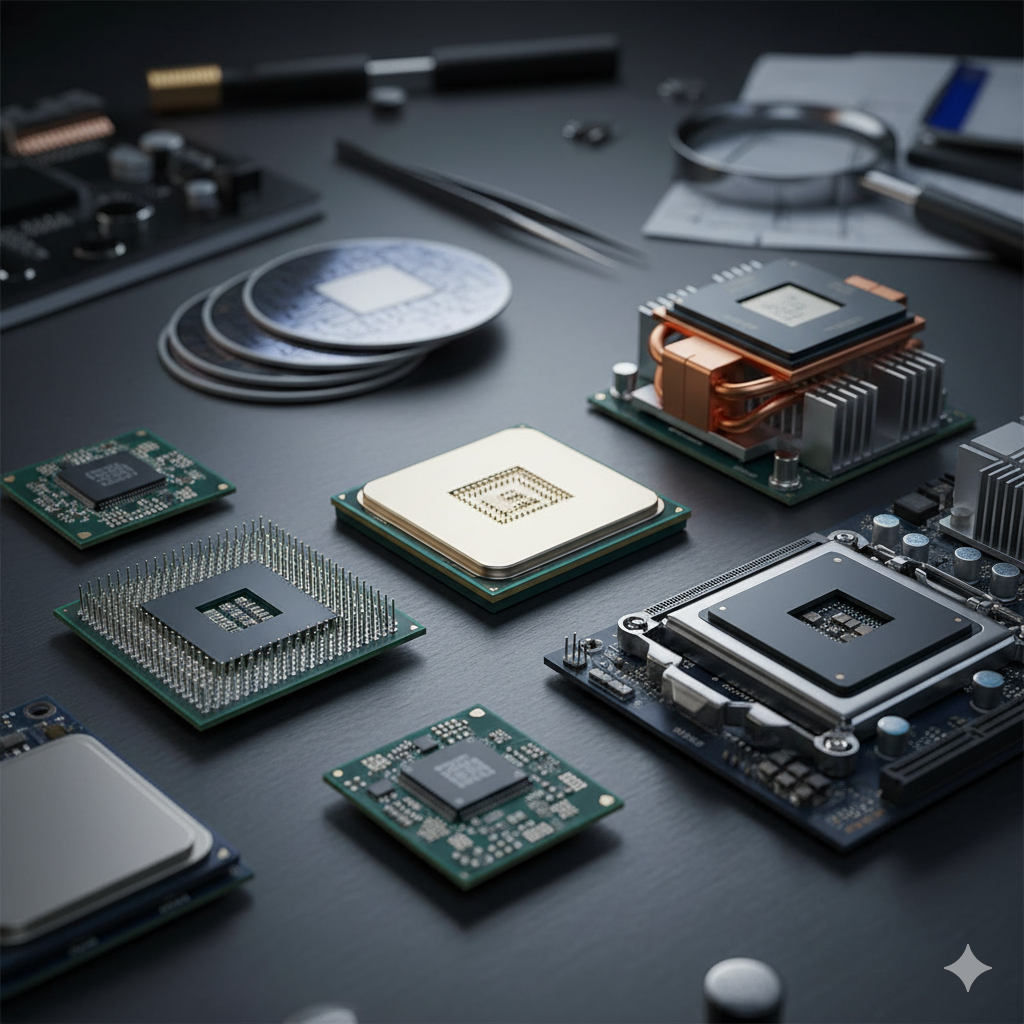
The Central Processing Unit (CPU) is the primary component of a computer that acts as its “brain.” It is responsible for executing the instructions of a computer program, performing all the basic arithmetic, logic, controlling, and input/output (I/O) operations specified by the instructions.
3.1 Key Internal Components
A CPU contains several key components that work together. The three most fundamental are:
- Control Unit (CU): The conductor that directs the flow of operations.
- Arithmetic Logic Unit (ALU): The calculator that performs all the math and logic.
- Registers: Extremely fast, small memory locations used to hold data temporarily.
These components are grouped into one or more cores, where each core is an independent processing unit. Modern CPUs are often multi-core, allowing them to work on multiple tasks simultaneously.
3.2 The Fetch-Execute Cycle
CPUs operate by continuously performing the fetch-execute cycle. This is the main job of the Control Unit.
- Fetch: Retrieve the next instruction from system memory (RAM).
- Decode: Interpret the instruction to figure out what operation is needed.
- Execute: Send signals to the ALU, registers, and other components to carry out the instruction.
- Store: Write the results of the execution back to a register or memory.
This cycle repeats billions of times per second, forming the basis of all modern computing.
3.3 The CPU’s Place in the System
The CPU sits at the heart of the computer, communicating with all other parts of the system. It talks to main memory (RAM) to get instructions and data, and it communicates with input/output devices through the Platform Controller Hub (PCH), which manages things like USB ports, storage drives, and network connections.
4 Reflect and Review
Now that you have reviewed this document, take a moment to reflect on your learning. In your Microsoft Teams Student Notebook, create a new page for this topic and write down the following:
- 3 key internal components of a CPU.
- 2 of the four steps in the fetch-execute cycle.
- 1 question you still have about what a CPU does.
This reflection is for your instructor to review and helps solidify your understanding of the concepts.
Test your understanding with the following questions. These questions provide retrieval practice and reinforce key concepts covered in this reading. In your Microsoft Teams Student Notebook, answer the following:
- What is the main role of the CPU in a computer?
- What are the four steps of the fetch-execute cycle?
- What is the difference between the Control Unit (CU) and the Arithmetic Logic Unit (ALU)?
- What is a CPU core?