Computers Everywhere
Modern Computers and Their Diverse Forms
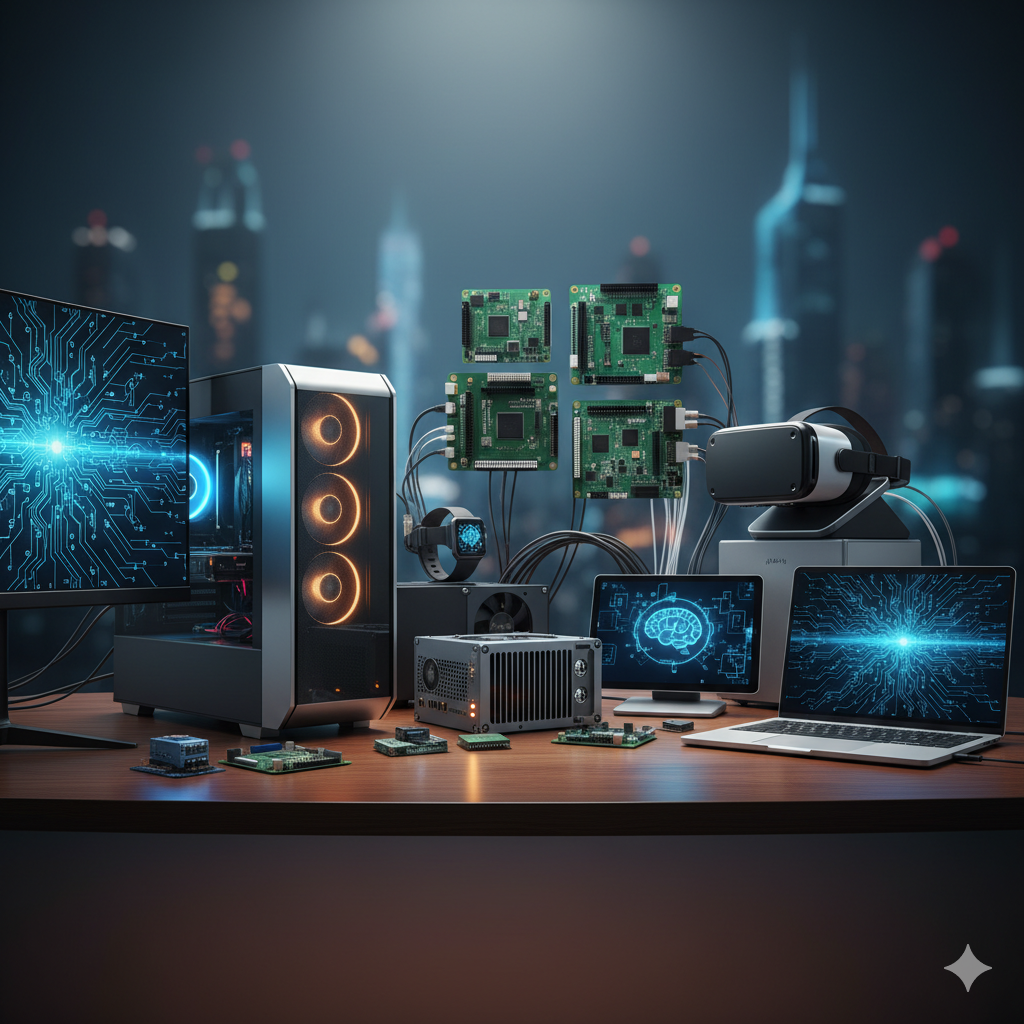
1 Modern Computers and Their Diverse Forms 🖥️💻🚗
It’s easy to think of “computers” as just the laptops or desktops we use daily, but the reality is far more diverse and technically fascinating. Modern computing permeates nearly every aspect of our lives, taking on myriad forms, each engineered with specific functionalities and environments in mind. Diving deep into these different form factors isn’t just an academic exercise; it’s essential for understanding the infrastructure that powers our world, from personal devices to industrial automation and autonomous vehicles.
Let’s break down the technical aspects and applications of these distinct computer types.
1.1 Personal Computers (PCs) 🖥️💻
Personal computers remain the most ubiquitous category, serving individual users for general-purpose tasks.
1.1.1 Desktops
Desktop PCs are characterized by their modularity and typically larger footprint, designed for stationary use.
Architecture: A desktop system is typically composed of a motherboard as its central nervous system, connecting the Central Processing Unit (CPU), Random Access Memory (RAM), and various expansion cards (e.g., Graphics Processing Unit (GPU), network cards) via interfaces like PCI Express (PCIe). Storage is usually handled by Solid State Drives (SSDs) for speed (connected via SATA or NVMe PCIe) and/or Hard Disk Drives (HDDs) for capacity. A dedicated Power Supply Unit (PSU) converts AC power to the DC voltages required by components.
Performance & Cooling: Their larger chassis allows for robust cooling solutions (air or liquid), facilitating higher clock speeds and sustained performance, making them ideal for demanding applications like gaming, video editing, and scientific simulations.
Modularity: The open standard allows for extensive upgradability, enabling users to swap out components to enhance performance or repair failures.
1.1.2 All-in-Ones (AIOs)
All-in-One PCs integrate the primary computing components directly behind the display.
Integration: This design prioritizes aesthetics and space-saving, reducing cable clutter. However, the compact nature often leads to thermal challenges, limiting the use of high-performance components or requiring more aggressive (and potentially louder) cooling.
Trade-offs: While convenient, AIOs generally offer less upgradability compared to traditional desktops due to their integrated design. Components are often soldered or proprietary, making repairs and upgrades more complex.
1.1.3 Laptops
Laptops are engineered for portability, combining all essential components—display, keyboard, trackpad, and battery—into a single, compact chassis.
Portability & Power Efficiency: Key design considerations include weight, battery life, and thermal management. CPUs and GPUs for laptops (e.g., Intel “U” series or AMD “HS” series processors, NVIDIA “Max-Q” GPUs) are often optimized for lower power consumption and heat output, sometimes at the cost of raw performance compared to their desktop counterparts.
Sub-Form Factors:
Ultrabooks: Prioritize thinness, lightness, and long battery life.
Gaming Laptops: Feature powerful discrete GPUs and advanced cooling but are generally heavier and have shorter battery life.
2-in-1 Convertibles: Offer versatility with touchscreens and hinges that allow them to function as both a laptop and a tablet.
Display Technology: Modern laptops increasingly feature high-resolution (e.g., 4K, QHD) and high-refresh-rate (e.g., 120Hz+) displays, often utilizing OLED or IPS LCD panels for superior color accuracy and viewing angles.
1.2 Rack-Mounted Computers (Servers) 📊☁️
Rack-mounted computers, commonly known as servers, are the workhorses of data centers and enterprise networks. They are designed for density, reliability, and continuous operation.
Server Rack Standard: Servers are housed in 19-inch wide server racks, with their height measured in Rack Units (U), where 1U equals 1.75 inches. This standardization allows for efficient stacking and cooling in data centers.
Server-Grade Components:
CPUs: Often feature specialized processors like Intel Xeon or AMD EPYC, which support more CPU cores, larger cache memory, and multi-socket configurations for extreme parallel processing. They also support advanced virtualization features.
RAM: Utilizes Error-Correcting Code (ECC) RAM, which can detect and correct memory errors on the fly, crucial for data integrity in critical applications.
Storage: Employs enterprise-grade SSDs (SATA, NVMe U.2) or HDDs, often configured in RAID (Redundant Array of Independent Disks) arrays for data redundancy and performance.
Redundancy: Many servers feature redundant power supplies and hot-swappable components (e.g., drives, PSUs) to minimize downtime.
Network Connectivity: Equipped with multiple high-speed network interfaces (e.g., 10 Gigabit Ethernet, Fibre Channel) for rapid data transfer.
Use Cases: Essential for cloud computing, virtualization (hosting multiple virtual machines), High-Performance Computing (HPC), database management, and web hosting.
1.3 Industrial Computers (IPCs) 🏭🌡️
Industrial PCs (IPCs) are specialized computing systems built to operate reliably in challenging environments where standard commercial computers would fail.
Ruggedization: The defining characteristic of IPCs is their ruggedness.
Ingress Protection (IP Ratings): They are typically rated for IP protection against dust, water, and other particulate ingress (e.g., IP65, IP67).
Shock & Vibration Resistance: Designed to withstand significant mechanical shock and vibration, often conforming to standards like MIL-STD-810G.
Wide Operating Temperatures: Capable of operating across extended temperature ranges, from sub-zero to high heat (e.g., -40°C to +70°C).
Thermal Management: Many IPCs employ fanless designs utilizing large heatsinks and passive cooling to eliminate moving parts, which are common points of failure in dusty or vibrating environments.
Specialized I/O: Feature a diverse array of legacy and industrial communication ports, such as multiple RS-232/485 serial ports, Digital Input/Output (DIO), CAN bus, and EtherCAT, for interfacing with sensors, actuators, and legacy machinery.
Operating Systems: Often run specialized or hardened versions of operating systems like Windows Embedded, Linux distributions, or Real-Time Operating Systems (RTOS) to ensure deterministic performance.
Applications: Critical in factory automation, process control, machine vision, oil and gas exploration, smart city infrastructure, and remote monitoring.
1.4 Automotive Computers (ECUs/VCUs) 🚗🚦
Modern vehicles are essentially “computers on wheels,” with sophisticated networks of automotive computers managing virtually every function. These are often referred to as Electronic Control Units (ECUs) or, more broadly, Vehicle Control Units (VCUs).
Distributed Architecture: A typical modern car can have dozens to over a hundred ECUs, each responsible for a specific subsystem (e.g., engine control, transmission, ABS, airbag deployment, infotainment, power windows).
Real-Time Operating Systems (RTOS): Many critical ECUs run RTOS to ensure deterministic and low-latency responses, which are essential for safety-critical functions like braking and steering.
Safety-Critical Design: ECUs for functions related to passenger safety (e.g., airbags, ADAS) are designed to stringent international safety standards, such as ISO 26262 (Automotive Safety Integrity Levels - ASIL), which dictates robust fault detection, diagnostics, and fail-safe mechanisms.
Communication Protocols: ECUs communicate over specialized in-vehicle networks:
CAN (Controller Area Network) bus: A robust, message-based protocol for exchanging short, high-priority messages between ECUs.
LIN (Local Interconnect Network): A simpler, lower-cost serial bus for non-critical functions (e.g., door locks, window controls).
FlexRay: A higher-bandwidth, fault-tolerant protocol used in drive-by-wire systems.
Automotive Ethernet: Increasingly used for high-bandwidth applications like infotainment, ADAS, and diagnostics.
Advanced Driver-Assistance Systems (ADAS) & Autonomous Driving: These systems rely on powerful ECUs with specialized processors (e.g., GPUs, ASICs) to process sensor data (cameras, radar, lidar), fuse information, and execute complex algorithms for functions like adaptive cruise control, lane-keeping assist, and fully autonomous navigation.
1.5 Single-Board Computers (SBCs) 💡🤖
Single-Board Computers (SBCs) are complete computers built on a single printed circuit board (PCB), integrating a microprocessor, memory, input/output (I/O) ports, and other essential components.
Compact & Cost-Effective: Their primary advantages are their small size, low power consumption, and often low cost, making them ideal for embedded applications and prototyping.
Architecture: Most modern SBCs, like the Raspberry Pi series, are built around ARM-based System-on-Chips (SoCs), which integrate the CPU, GPU, and memory controller onto a single chip.
Versatile I/O: A key feature of many SBCs is the inclusion of General Purpose Input/Output (GPIO) pins, allowing them to interface directly with external electronic components, sensors, and actuators. They also typically offer standard connectivity like USB, HDMI, Ethernet, Wi-Fi, and Bluetooth.
Operating Systems: They can run full-fledged operating systems, most commonly Linux distributions (e.g., Raspbian/Raspberry Pi OS), enabling them to perform a wide range of tasks from running a media server to controlling robotics.
Applications: Widely used in Internet of Things (IoT) devices, educational projects, robotics, home automation, media centers, and as embedded controllers in various products. They are also popular for rapid prototyping due to their accessibility and extensive community support.
1.6 Conclusion
The world of modern computing is vast and ever-expanding, far surpassing the traditional image of a desktop tower. From the high-performance, modular desktops to the rugged industrial workhorses, the safety-critical automotive systems, the dense server racks, and the versatile single-board computers, each form factor represents a sophisticated engineering solution to a specific set of requirements.
As college students, understanding this diverse landscape of computing is paramount. Whether you’re pursuing computer science, engineering, data analytics, or even design, you’ll encounter these different computer types, and knowing their underlying technical principles will be invaluable. This deeper comprehension will not only enrich your academic journey but also equip you for innovation in a world increasingly shaped by distributed and specialized computing systems. Keep exploring, keep questioning, and keep building!
1.6.1 Citations:
Brookshear, J. Glenn, and Dennis Brylow. Computer Science: An Overview. 14th ed., Pearson, 2022.
Stallings, William. Computer Organization and Architecture: Designing for Performance. 11th ed., Pearson, 2021.
Tanenbaum, Andrew S., and Maarten Van Steen. Distributed Systems: Principles and Paradigms. 3rd ed., Pearson, 2017.
ISO 26262:2018 Road vehicles – Functional safety. International Organization for Standardization, 2018.
What is a Raspberry Pi? Raspberry Pi Documentation. Retrieved from https://www.raspberrypi.com/documentation/